TTN — Text to Number
Vue 3 + TypeScript utility that converts back and forth between integers and Romanian textual forms, with diacritics normalization, deterministic validation, a responsive interface, and offline PWA support.
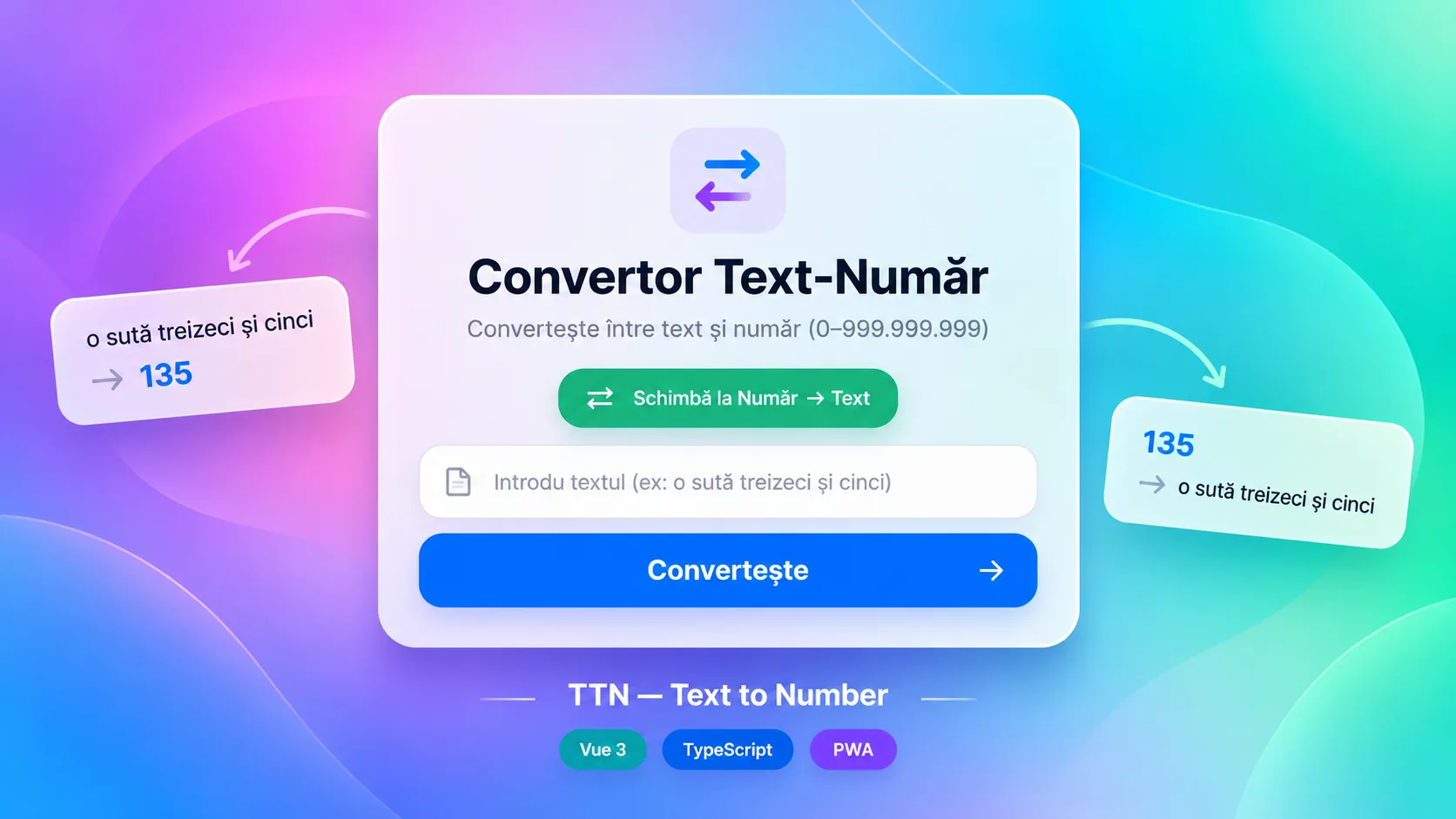
Core stack
The challenge
The challenge was modeling Romanian numbers without an external service: normalizing variants with and without diacritics, interpreting tens and multipliers, reverse-composing groups of millions/thousands/hundreds, and providing predictable behavior for invalid input, in a utility that stays fully client-side and installable as a PWA.
The solution
The solution separates the conversion logic into a pure TypeScript module and keeps the Vue UI thin. normalizeText standardizes the input, textToNumber tokenizes and accumulates values based on dictionaries and multipliers, and numberToText breaks the integer into groups and reconstructs the expression. Vitest documents part of the desired cases, and Vite PWA/Workbox add installability and offline caching. The current snapshot demonstrates the architectural direction, but requires fixing compound multipliers, the grammar for some large groups, and parseInt validation before it can be presented as a complete linguistic parser.
Notable complexity
TTN — Text to Number is a personal project built as a client-side utility for bidirectional conversion between integers and Romanian textual expressions. The application uses no backend, database, or external services for the conversion: the logic runs locally in the browser, which keeps the flow fast, easy to distribute, and compatible with offline use via PWA.
The Vue interface offers two explicit modes — Text → Number and Number → Text — toggled from the same screen. Input can be submitted via a button or Enter, results and errors are shown in the same central card, and switching modes resets the input and the results state. The UI is built with Tailwind CSS and scoped styles: an animated gradient background, a semi-transparent white card, focus states, micro-animations for the result, and ARIA labels for the main controls.
For Text → Number, the parser first normalizes Romanian diacritics, turns hyphens into spaces, collapses whitespace, and lowercases the text. The conversion uses explicit tables for units, 10–19, tens, and multipliers (hundreds, thousands, millions), then processes tokens with accumulators for the current group and the total. The connector «și» ('and') is allowed only after a tens value between 20 and 99, and unknown tokens, repeated multipliers, or certain invalid orderings return null instead of producing an approximate result.
For Number → Text, the formatter only accepts integers between 0 and 999,999,999 and breaks the value down into groups of millions, thousands, and units. Each group is formatted from hundreds, tens, and units, with dedicated forms for «o/două» ('one/two') and for 11–19. The implementation is deterministic and does not depend on locale or an external API, but it does not fully cover Romanian grammar for all large combinations.
The repository includes Vitest tests for normalizeText and textToNumber: diacritics, lowercasing, spaces/hyphens, the numbers 0–19, tens, tens with units, hundreds, thousands, millions, compound examples, and invalid input are covered. However, the parser's current state has a structural issue: lastMultiplier is lowered to 100 when a hundred appears inside a group, so a later multiplier of 1,000 is rejected. As a result, valid examples such as «trei milioane cinci sute de mii» ('three million five hundred thousand') or «un milion două sute treizeci și patru de mii…» ('one million two hundred thirty-four thousand…'), although they appear as expectations in the tests, are not compatible with the current logic. The tests do not cover numberToText.
The formatter also has grammatical limitations verifiable in the snapshot: 1,000 is composed through the «mie» group without the special feminine branch and yields «unu mie» instead of the correct feminine form, and the rule for «de» after large groups does not correctly handle all hundreds-of-thousands/millions forms. Conversely, the parser ignores the «de» token regardless of position and accepts some unit sequences through simple addition, so the syntactic validation is intentional but does not amount to a complete parser of Romanian numeral grammar.
UI validation for the Number → Text mode uses parseInt. This means strings like «123abc», «12.7», or «1e3» can be truncated and interpreted as integers instead of being rejected outright. The final range is still checked in numberToText, and negative values, values over 999,999,999, or non-integers passed directly to the function return null. A production version should strictly validate the entire input before conversion.
The application is configured as a PWA with vite-plugin-pwa and Workbox. The manifest defines name, short name, theme color, standalone mode, icons for Android/iOS/Windows, desktop/mobile screenshots, a shortcut, and scope /ttn/. The service worker uses autoUpdate and CacheFirst strategies for JS/CSS, images, and fonts, and NetworkFirst for HTML. There is also a generic rule for APIs, although the current application does not make requests to an API.
The PWA configuration also declares the web+ttn protocol handler with a text query parameter, but App.vue does not read that parameter, so this integration is only configured, not functional end-to-end. Vue Router is installed and has a single Home route pointing to App.vue, but App.vue is the root component anyway and does not contain a router-view; in its current form, the router does not provide a real navigation surface. The Vite base path is /ttn/, while createWebHistory is initialized without an explicit base.
From a security standpoint, the surface is small: there is no authentication, secrets, persisted forms, uploads, or personal data, and results are rendered through Vue interpolation, not injected HTML. The repository contains no .env file in the analyzed tree; .gitignore excludes *.local but does not explicitly declare a pattern for .env. The main relevant hardening is more about UX and strict validation than access control.
Deployment is not automated in the repository: there is no .github/workflows, Docker, deploy scripts, or health checks. The /ttn/ configuration and the PWA artifacts indicate a subpath/static hosting target, but the repository does not demonstrate through CI/CD how the application is published. The only available commit is 'Initial commit' from July 12, 2026, so the current product snapshot can be verified, but not a timeline of refactors or bugfixes.
Key results
- Text → Number conversion implemented locally in TypeScript for Romanian vocabulary up to the millions level
- Number → Text conversion implemented for integers programmatically validated between 0 and 999,999,999
- Normalization of ș/ț/ă/î/â diacritics, uppercase letters, hyphens, and multiple spaces
- Explicit handling for units, 10–19, tens, hundreds, thousands, and millions
- Deterministic validation via null for unknown tokens and several invalid combinations
- Single interface with a toggleable Text → Number / Number → Text mode
- Conversion triggerable both by button and by the Enter key
- Error messages kept separate from the numeric and text results
- Vitest suite for normalization and the Text → Number direction, including hundreds, thousands, millions, and invalid input cases
- PWA manifest with standalone installation, multi-platform icons, screenshots, and a shortcut
- Workbox service worker with auto-update and caching policies for static assets, HTML, images, and fonts
- Single-screen responsive UI built with Vue 3 and Tailwind CSS
Related projects
- Real Estate ScraperPython tool for collecting and normalizing Storia listings, with parallel scraping, deduplication by listing ID, relational storage, a filterable REST API, and walking, driving, and public-transit distance calculations.
- Time TrackerReact + Express application that centralizes imported time-tracking data, adds manual hours, applies reporting rules, and generates filters, charts, hour reports, and billing calculations for project groups.
- PDF Auto-PrintPython desktop utility that periodically polls an endpoint, downloads PDF documents, keeps a local history and status for them, and sends them automatically or manually to Windows printers via SumatraPDF.
Want something similar?
Start with the estimate wizard — answer a few questions and get a realistic price range and timeline.